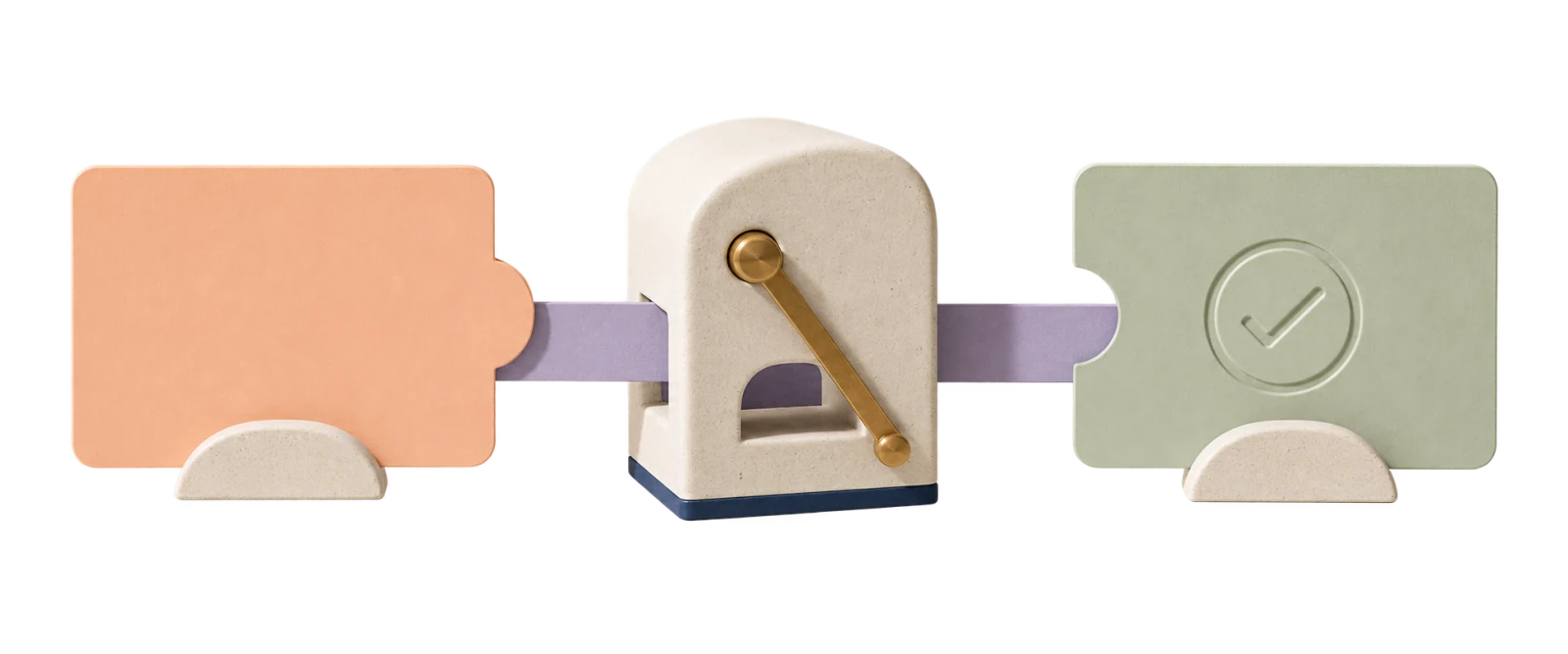
Business Automation System integration, lead management, automated workflows
Business automation connects all your systems together — CRM, WhatsApp, emails, invoices, reports — and everything works automatically. New lead comes in? Transferred to CRM, gets a message, rep gets an alert — all in seconds.
What is Business Automation?
Business automation connects systems and tools so defined steps can run automatically, with exceptions and failures routed according to the implementation.
Real-life example: A customer fills out a form on your website → their details automatically enter your CRM → the customer gets a WhatsApp message "Thanks, we'll be in touch soon" → you get an alert with all the details → and if you haven't responded within a day, you get a reminder.
The configured workflow can run when its trigger and dependencies are available. I use platforms such as Make.com, n8n and Zapier to build workflows around the agreed process.
Common Business Automations
Processes you can automate today
Automated Lead Management
Lead from form/Facebook/WhatsApp → automatically enters CRM → gets a welcome message → rep gets an alert.
CRM ↔ WhatsApp Integration
Every CRM update (Monday, HubSpot) sends a message to the customer automatically — order status, reminders, follow-ups.
Invoicing & Payments
Deal closed? Invoice is generated automatically. Customer gets a payment link. No manual invoicing.
Automated Reports
Weekly report on leads, sales, and inquiries — sent directly to your email or WhatsApp. No manual preparation.
Reminders & Follow-ups
Meeting reminder a day before, follow-up a week after service, automated "happy birthday" messages — all automatic.
Google Sheets ↔ CRM Sync
Still working with spreadsheets? Everything syncs automatically to Google Sheets (and from there to your CRM if needed).
Automated Customer Service
Inquiry comes in → logged → auto-tagged → routed to the right rep → customer gets a status update.
Employee Onboarding
New employee → automatically receives: emails with materials, system access, calendar invites, and documents to sign.
Real Results from Automation Projects
Insurance Policy Automation
Automatically extracts insurance policy details, summarizes everything in a Google Sheets dashboard, and sends the customer a WhatsApp message with their policy summary.
Non-profit — Green Invoice + Monday
New receipt in Green Invoice → enters Monday CRM through the flow with the configured fields and the original receipt attached. Exceptions remain visible for review.
Monday ↔ Affinity CRM Sync
Status change in Monday → automatic check across 3 additional boards → Affinity CRM updated only if all conditions are met → automated email sent. Complex business logic included.
Aircraft Parts RFQ Automation
One click → RFQ sent to 20+ suppliers simultaneously, email validation, tracking who responded and who didn't + automatic follow-ups. All quotes entered into the system automatically.
Before vs. After Automation
Without Automation
- New lead → manually copy to CRM
- Send welcome message → when you remember
- Weekly report → prepared manually in Excel
- Follow-up → "I forgot to get back to them"
- Invoice → open invoicing software manually
With Automation
- New lead → auto-enters CRM
- Welcome message → sent when the configured trigger runs
- Weekly report → sent automatically every Sunday
- Follow-up → 3 days later, automatic
- Invoice → generated automatically when deal closes
Which Systems Can Be Connected?
CRM & Client Management
Monday.com, HubSpot, Salesforce, Pipedrive, Google Contacts
Communication
WhatsApp Business, Gmail, Outlook, Slack, Telegram
Payments & Invoicing
PayPal, Stripe, QuickBooks, Square, FreshBooks
E-commerce
WooCommerce, Shopify, BigCommerce, Magento
Marketing & Leads
Facebook Lead Ads, Google Forms, Calendly, Mailchimp
Calendars & Docs
Google Calendar, Google Sheets, Notion, Airtable
And hundreds more through Make.com, n8n and Zapier
How Much Does Automation Cost?
Basic Automation — From $1,000
Connect 2 systems, up to 5 workflows. For example: form → CRM → WhatsApp message.
Business Package — From $2,000 Most Popular
The proposal defines the number of workflows and integrations, including CRM, reports, alerts and follow-ups where scoped.
Full System — From $3,500
Multiple integrations, AI, custom development, advanced reports. For businesses that need a complete system.
Thirty days for minor adjustments and fine-tuning, subject to the terms; hosting and third-party costs are listed in the proposal.
See full pricing with all details →What Clients Say
"I warmly recommend Achiya, who built automations for my clients to a very high professional standard. The automations streamlined processes, saved valuable time and brought order and clarity to the business. Achiya works methodically, pays attention to small details, adapts solutions to the real needs of each business, and is available to explain things clearly. The result is systems that work smoothly and quietly in the background, allowing business owners to focus on growth. I recommend him wholeheartedly."
Shiran Yativ · Google review · translated from Hebrew"I came to Achiya, whose professionalism is rare, through a friend's recommendation, and I am grateful to her with all my heart. I had the privilege of getting to know, even briefly, an exceptional person who combines integrity and talent. I am very pleased with the work I received and will continue to use his range of services. Thank you very much! With appreciation and love, Talia Toker ❤️"
Talia Toker · WhatsApp message · translated from Hebrew · no star rating supplied"I have to say that I received service at a very high level. Beyond his knowledge and ability with a variety of automation tools, he genuinely cares, is available and patient, and explains things honestly and clearly. Throughout the process, I felt that someone was thinking with me and understood exactly what I needed. Everything extra I asked for was handled gladly. That kind of service should not be taken for granted. I recommend him to anyone looking for someone serious, reliable, familiar with many systems and able to solve problems. In practice, he is someone who cares like a friend."
Beni Gordon · Google review · translated from HebrewFrequently Asked Questions About Business Automation
What is business automation?
Business automation connects your systems and tools so that processes happen automatically. For example: a lead from a form automatically enters your CRM, gets a WhatsApp message, and shows up in your reports — without any manual work.
How much does business automation cost?
Basic automation from $1,000, priced by project scope. One-time payment plus ₪100-300/month for managed operation; third-party costs are separate. Full pricing →
Which systems can be connected?
Almost everything: Monday, HubSpot, Salesforce, Google Sheets, Gmail, WhatsApp, Slack, PayPal, Stripe, QuickBooks, WooCommerce, Shopify, Facebook Leads, Google Calendar, and hundreds more.
What's the difference between Make, Zapier and n8n?
Make.com offers a visual interface, Zapier focuses on simple setup, and n8n supports self-hosting and technical flexibility. The choice depends on integrations, operation volume, security, maintenance and current provider pricing.
How long does it take?
Timing depends on the systems, workflow logic, access permissions and third-party dependencies. The proposal documents the stages and schedule before work begins.
Do I need technical knowledge?
Not necessarily. The proposal defines what can be managed through an interface, what requires a technical change, and what support includes. The first 30 days cover minor adjustments and fine-tuning, subject to the terms.
Articles to Help You
5 Benefits of Automation for Small Businesses
Why businesses are switching to automation and what they gain from it.
CRM Integration Tips
How to connect your CRM system to all your business tools.
Lead Management Automation
How to collect, filter and handle leads automatically.
Ready to Stop Working Manually?
An introductory call to map the process, constraints and project scope.
See full pricing · Learn about how it works
WhatsApp Consultation →